
Use the Document Scanner in the Notes App
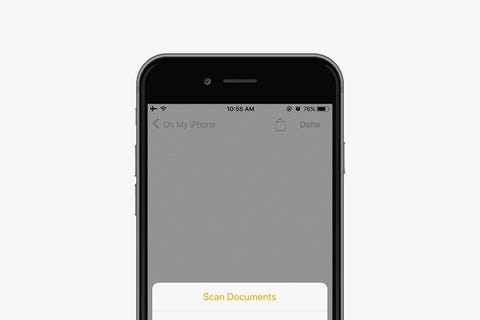
Apple has implemented a convenient document scanner right in the Notes app. Here's how you access it:
- Open the Notes app
- Create a new note or open an existing one
- Tap the + icon that's located above your iPhone's keyboard in the center
- Tap Scan Documents
- Use the shutter button or one of your iPhone's volume buttons to capture a photo of your document
- Adjust the corners of the document by tapping and dragging them, if necessary
- Tap Save.
0 comments: