
Do Not Disturb While Driving
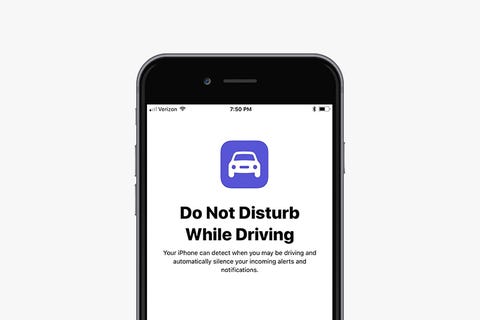
Apple hopes to prevent accidents and cut down on distractions while driving with this new feature. It blocks incoming calls, texts, and notifications when your iPhone detects acceleration or connects to your vehicle's Bluetooth. When someone tries to get a hold of you, your iPhone will send an auto-reply message to let the person know you're driving. The feature can be disabled for passengers, and if there's an emergency and someone needs to reach you, they can still contact you if they respond to the text message with the word "urgent." To turn on the settings, just do the following:
- Tap Settings
- Tap Do Not Disturb
- Tap Automatically if you want the setting to be enabled when detecting movement
- Tap While Connected to Car Bluetooth if your car has Bluetooth
- Tap Manually if you don't want the setting to enable automatically, and then add Do
- Not Disturb While Driving to Control Center (see previous tip above)
- Tap Auto-Reply to customize and change the message, if you wish
- Tap Auto-Reply To if you want to change who gets sent the auto-reply message. You
- can pick All Contacts, Favorites, Recent Contacts, or No-One.
0 comments: