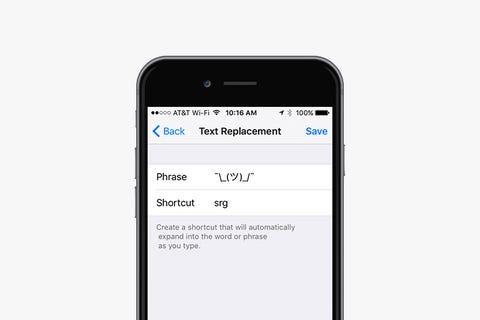
Sometimes typing things like email addresses, URLs, and, of course, shruggy ¯\_(ツ)_/¯ is a pain. Your iPhone has a text-replacement feature that lets you type just a few characters rather than spending forever typing the actual thing. Here's how you do it:
- Open the Settings app
- Tap General
- Tap on Keyboard
- Tap on Text Replacement
- Tap the + on the top right corner
- In the Phrase field, type the word or phrase you want to create a shortcut for
- In the Shortcut field, type the text you want to be replaced by the phrase
- Tap Save at the top right corner
- Now, any time you type the shortcut on your keyboard, your iPhone will replace it with the phrase after you press the space bar.
Thursday, June 13, 2019

0 comments: